Proje Açıklaması
GOAT marketplace için geliştirdiğim bu proje, uçtan uca çalışan bir otomatik teklif sistemidir ve 3 aşamalı bir yapıya sahiptir.
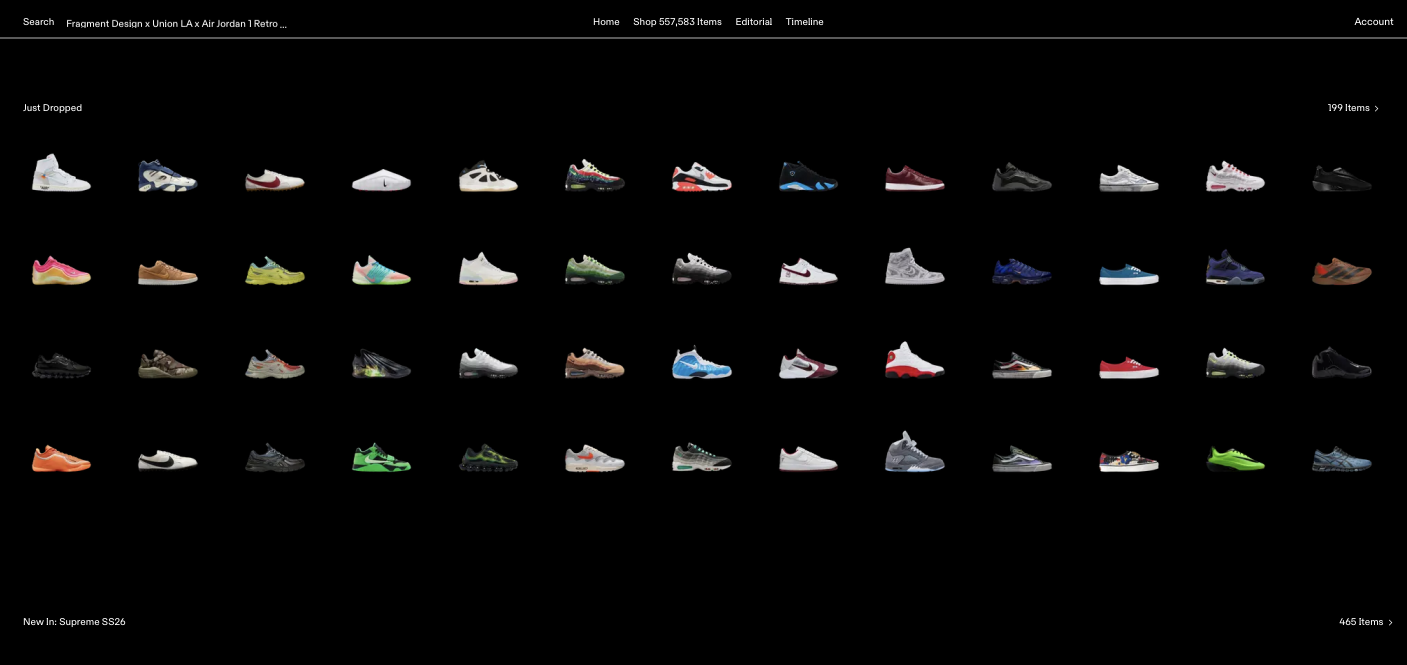
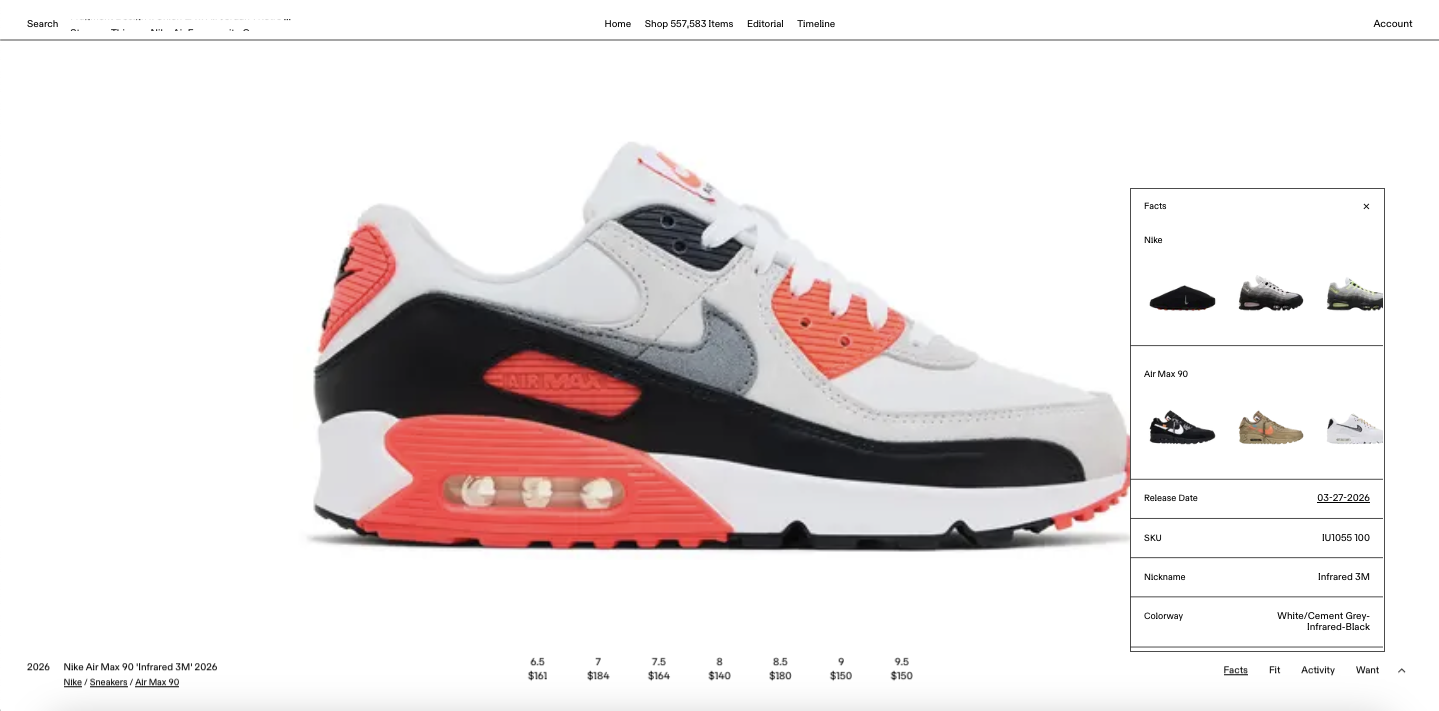
İlk aşamada sistem, ürün ve satış verilerini API üzerinden çekerek veritabanına kaydeder.
İkinci aşamada bu veriler analiz edilerek potansiyel kâr fırsatları hesaplanır.
Son aşamada ise seçilen ürünler için otomatik olarak teklif verilir.
Sistem, çoklu hesap desteği ile paralel çalışabilir ve her hesap için ayrı limitler uygulanabilir. Giriş işlemleri, 2FA doğrulama (e-posta OTP) ve proxy kullanımı gibi detaylar da otomatik olarak yönetilmektedir.
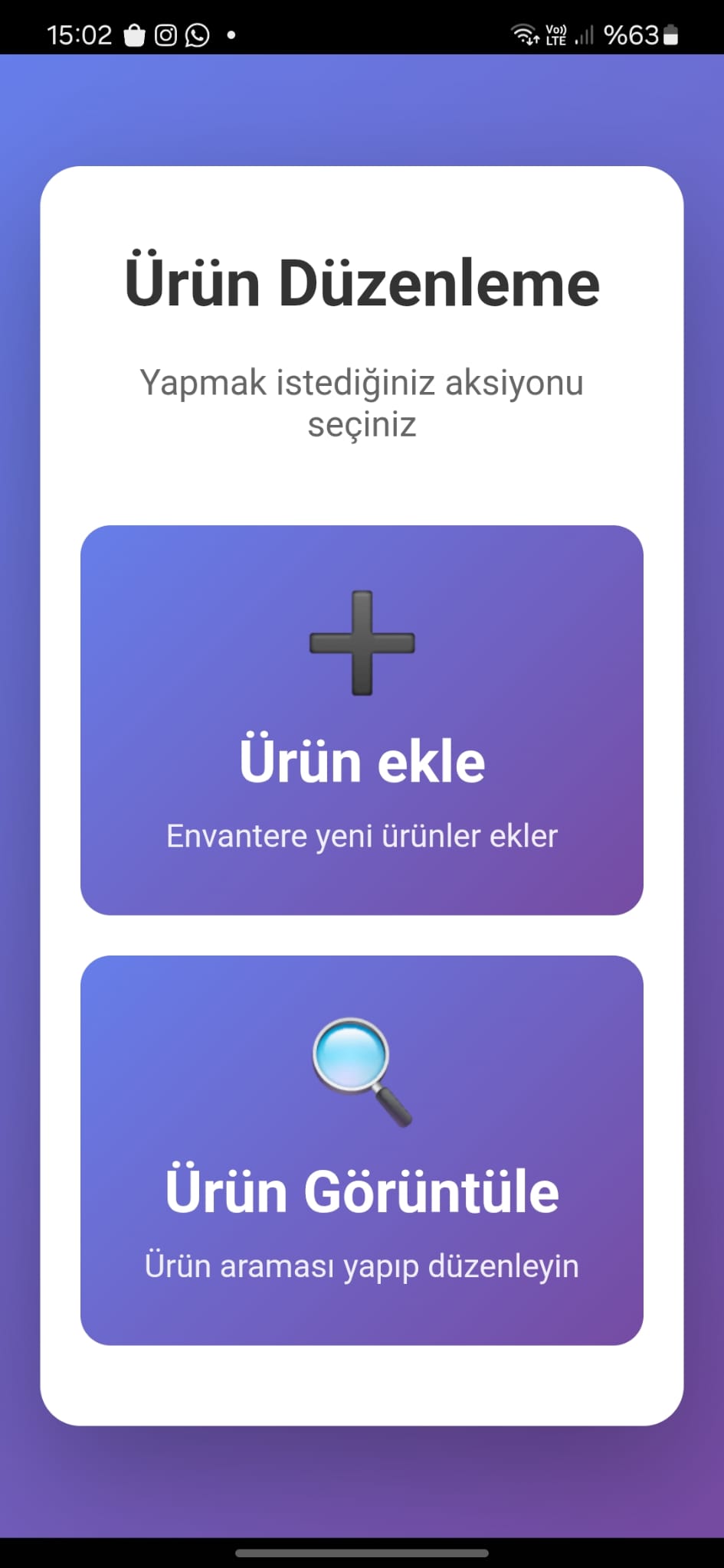
Ayrıca tüm süreci izlemek ve kontrol etmek için bir dashboard ve detaylı loglama sistemi bulunmaktadır.
Kısaca: GOAT üzerinde veri toplayan, analiz eden ve kârlı fırsatlara otomatik teklif veren akıllı bir bot altyapısı.
Proje Detayları
# GOAT Automated Bidding Bot
An automated sneaker bidding system for GOAT marketplace that scrapes product data, analyzes market conditions, identifies profitable opportunities, and executes strategic bids across multiple accounts.
## Overview
This Flask-based web application automates the entire bidding workflow on GOAT:
- **Data Collection**: Scrapes product listings, pricing, and sales history from GOAT API
- **Analysis**: Evaluates profitability based on historical sales data and current market conditions
- **Execution**: Automatically places bids using browser automation with anti-detection measures
- **Multi-Account Support**: Manages multiple GOAT accounts with individual spending limits
- **Real-time Monitoring**: Web dashboard for tracking operations and viewing live logs
## Architecture
### Three-Phase Pipeline
**Phase 1: Data Scraping**
- Fetches products and variants from KICKS.dev API (via KICKSDB proxy service)
- Collects sales history for each variant
- Retrieves highest bid data for competitive pricing
- Stores all data in PostgreSQL database
**Phase 2: Opportunity Identification**
- Analyzes collected data to identify biddable products
- Applies profitability logic: `target_bid + fees < min(last_3_sales_avg, lowest_ask) * 0.50`
- Filters for bid amounts between $25-$200
- Populates `bidproducts` table with actionable opportunities
**Phase 3: Automated Bidding**
- Launches browser instances for each account profile
- Handles GOAT login with 2FA (Gmail OTP extraction)
- Places bids using injected JavaScript (bypasses CSRF protection)
- Tracks spending per profile against configured limits
- Records all bid attempts in database
## Requirements
### System Dependencies
- **PostgreSQL 12+**: Database for product and bid data
- **Redis**: State management and logging
- **Python 3.8+**: Runtime environment
- **Google Chrome/Edge**: Browser for automation (installed automatically by nodriver)
- **Linux**: Recommended for xvfb support (headless browsing)
### External Services
- **KICKSDB**: External API service for GOAT product information
- **HTTP Proxy**: Required for browser traffic routing
- **Gmail Account**: For receiving GOAT 2FA codes (with app password)
## Installation
### 1. Install System Dependencies
```bash
# Ubuntu/Debian
sudo apt update
sudo apt install postgresql redis-server xvfb
# Start services
sudo systemctl start postgresql
sudo systemctl start redis-server
sudo systemctl enable postgresql redis-server
```
### 2. Set Up Database
```bash
# Create PostgreSQL database
sudo -u postgres psql -c "CREATE DATABASE goat;"
sudo -u postgres psql -c "CREATE USER postgres WITH PASSWORD '8691';"
sudo -u postgres psql -c "GRANT ALL PRIVILEGES ON DATABASE goat TO postgres;"
# Initialize tables
psql -U postgres -d goat -f init_bids_table.sql
```
Create the required tables manually or via your own migration:
- `products`: Stores scraped product data
- `variants`: Stores product variants with sales/bid data
- `bidproducts`: Stores identified bidding opportunities
- `profiles`: Stores GOAT account credentials and limits
- `bids`: Tracks all placed bids with status
### 3. Install Python Dependencies
```bash
pip install -r requirements.txt
```
### 4. Configure Environment
Create a `.env` file or set environment variables:
```bash
# Proxy Configuration (required)
export GOAT_PROXY_HOST="your.proxy.host"
export GOAT_PROXY_PORT="1080"
export GOAT_PROXY_USER="your_username" # optional
export GOAT_PROXY_PASS="your_password" # optional
```
### 5. Configure Database Connection
Update `DBCONFIG` in [app.py](app.py#L59-L65) with your PostgreSQL credentials:
```python
DBCONFIG = {
"dbname": "goat",
"user": "postgres",
"password": "your_password",
"host": "localhost",
"port": 5432,
}
```
### 6. Set Up GOAT Accounts
Insert account profiles into the `profiles` table:
```sql
INSERT INTO profiles (email, password, app_password, money, spending_limit)
VALUES (
'your_goat_email@gmail.com',
'your_goat_password',
'gmail_app_password', -- Gmail app password for 2FA
0, -- current spent amount
500 -- spending limit in dollars
);
```
**Gmail App Password**: Generate at https://myaccount.google.com/apppasswords
## Usage
### Start the Application
```bash
python app.py
```
Access the web dashboard at `http://localhost:5000`
### Workflow
1. **Start Phase 1**: Click "Start Phase 1" to begin scraping products
- Monitor progress in the dashboard logs
- Phase 1 can be stopped at any time
2. **Start Phase 2**: After Phase 1 completes, run Phase 2 to analyze data
- Identifies biddable products based on profitability criteria
- Populates the `bidproducts` table
3. **Start Bidding**: Execute automated bidding across all profiles
- Each profile processes its assigned products
- Spending limits are enforced per profile
- Stop anytime with the "Stop Bidding" button
4. **Monitor**: Use statistics and logs to track:
- Products scraped
- Bids identified
- Bids placed
- Current spending per profile
### API Endpoints
- `GET /` - Dashboard UI
- `GET /api/stats` - Real-time statistics
- `POST /start/phase1` - Start product scraping
- `POST /start/phase2` - Start opportunity analysis
- `POST /start/bidding` - Start automated bidding
- `POST /stop/phase1` - Stop Phase 1
- `POST /stop/phase2` - Stop Phase 2
- `POST /stop/bidding` - Stop bidding
- `POST /truncate/products` - Clear products table
- `POST /truncate/bidproducts` - Clear bidproducts table
- `GET /screenshots` - List saved screenshots
## Configuration
### Bidding Logic
Modify the profitability calculation in [phase2.py](phase2.py#L14-L46):
```python
worth = min(last_3_sales_avg, lowest_ask)
target_bid = (worth * 0.50 - 14) / 1.03 # 50% profit after fees
# Constraints
if target_bid < 25 or target_bid > 200:
return False # not biddable
```
### Browser Settings
Adjust browser behavior in [create_browser.py](create_browser.py):
- Headless mode: `headless=True` (requires xvfb on Linux)
- User agent rotation
- Proxy configuration
- Extension loading
### Rate Limiting
Control API request concurrency in [phase1.py](phase1.py#L25-L42):
- `limit_per_host=2` - KICKSDB requests per host
- Semaphores for parallel processing
## Project Structure
```
.
├── app.py # Flask application & web interface
├── phase1.py # Product scraping & data collection
├── phase2.py # Opportunity analysis & bid identification
├── phase3.py # Standalone bidding script (deprecated)
├── bid.py # Bid placement logic & CSRF handling
├── database.py # PostgreSQL wrapper (sync/async)
├── create_browser.py # Browser automation setup
├── login.py # GOAT authentication & 2FA handler
├── read_mail.py # Gmail IMAP for OTP retrieval
├── sales.py # Sales data analysis
├── highest_bid.py # Bid data retrieval (KICKSDB)
├── proxy_config.py # Proxy configuration management
├── init_bids_table.sql # Database schema
├── templates/
│ └── index.html # Dashboard UI
└── screenshots/ # Browser screenshots (auto-created)
```
## Database Schema
### Key Tables
**products**
- Product metadata (name, slug, brand)
**variants**
- Size-specific variant data
- Links to sales and bid data
**bidproducts**
- Identified bidding opportunities
- Calculated target bid amounts
**profiles**
- GOAT account credentials
- Spending limits and tracking
**bids**
- Historical bid records
- Status tracking (pending/success/failed)
## Troubleshooting
### Common Issues
**Browser Blocked**: GOAT detects automation
- Verify proxy is working correctly
- Check browser fingerprinting (nodriver handles most cases)
- Review KICKSDB API status
**2FA Failures**: Cannot retrieve OTP
- Verify Gmail app password is correct
- Check IMAP is enabled on Gmail account
- Ensure "Less secure app access" is not required
**Database Connection Errors**
- Verify PostgreSQL is running: `sudo systemctl status postgresql`
- Check credentials in `DBCONFIG`
- Ensure database `goat` exists
**Redis Connection Errors**
- Verify Redis is running: `sudo systemctl status redis-server`
- Default config: `localhost:6379`
**Proxy Errors**
- Test proxy connection manually
- Verify HTTP proxy configuration
- Check authentication credentials
## Security Considerations
⚠️ **WARNING**: This project contains sensitive credentials in plaintext:
- Store credentials in environment variables, not hardcoded
- Use `.env` file and add to `.gitignore`
- Never commit passwords or API tokens
- Restrict database access to localhost
- Use strong passwords for all services
## Legal Disclaimer
This software is for educational purposes only. Automated scraping and botting may violate GOAT's Terms of Service. Use at your own risk. The authors assume no liability for account bans, financial losses, or legal consequences.
## License
This project is provided as-is without warranty. Use responsibly.
## Support
For issues or questions:
1. Check logs in the web dashboard
2. Review Redis logs: `redis-cli LRANGE log_lines 0 -1`
3. Check PostgreSQL logs: `/var/log/postgresql/`
4. Verify all environment variables are set correctly